
Look at the lens, read smoothly.
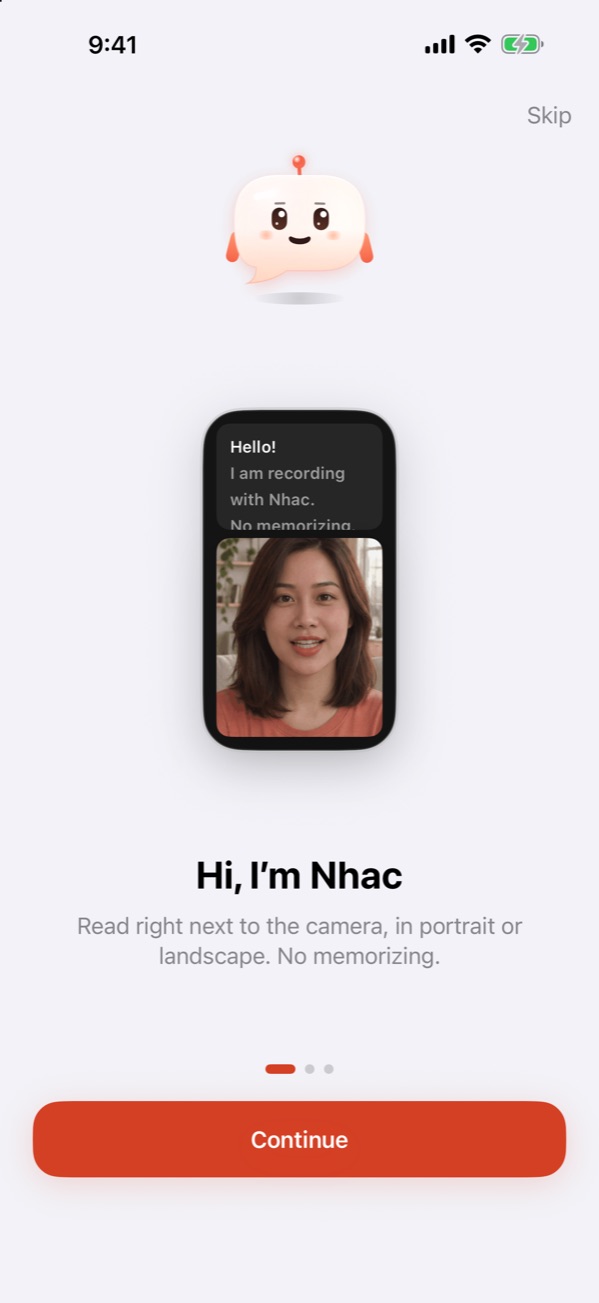
Paste a script and tap record. The text scrolls right next to the front camera, so your eyes stay close to the lens. No memorizing, no extra teleprompter rig.
Three steps to camera-ready
No memorizing, nobody holding cue cards.
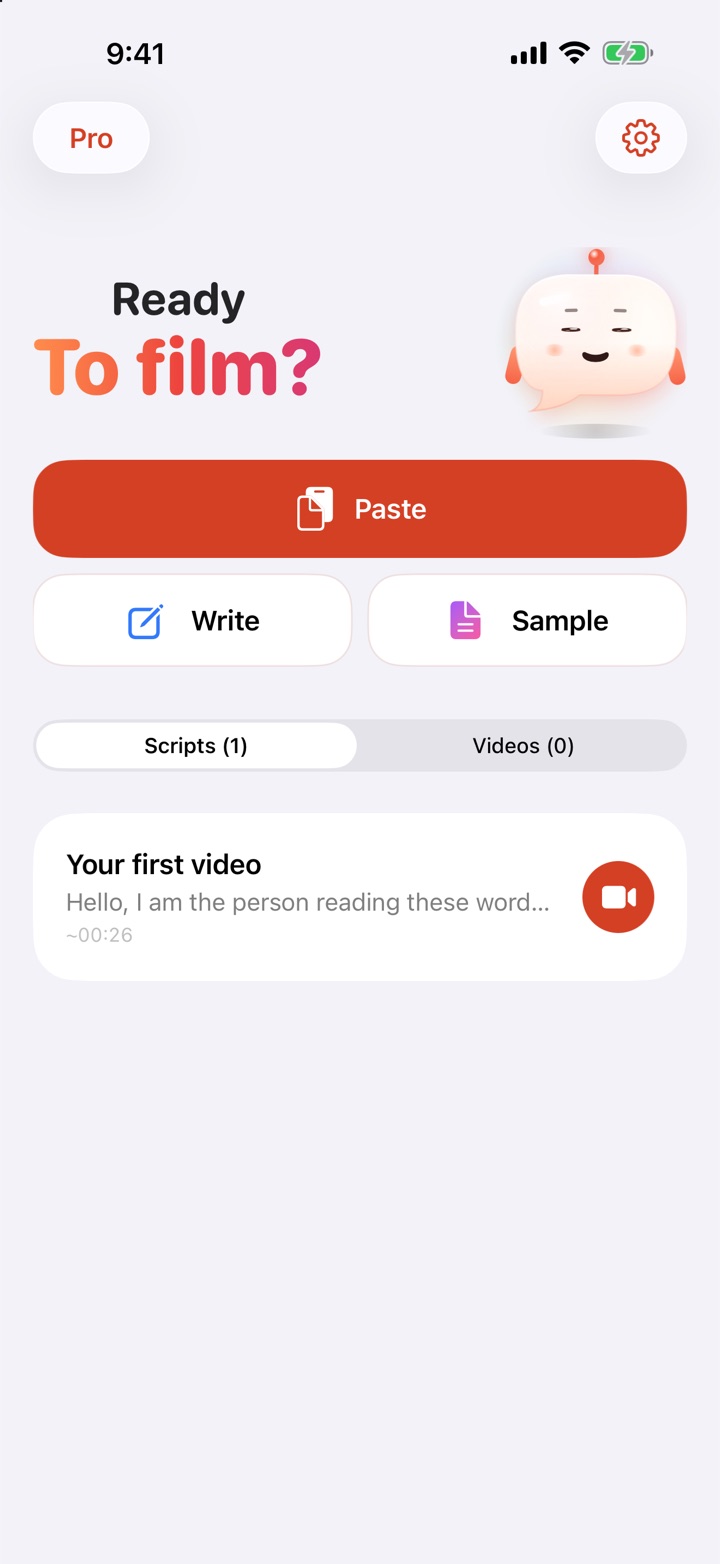
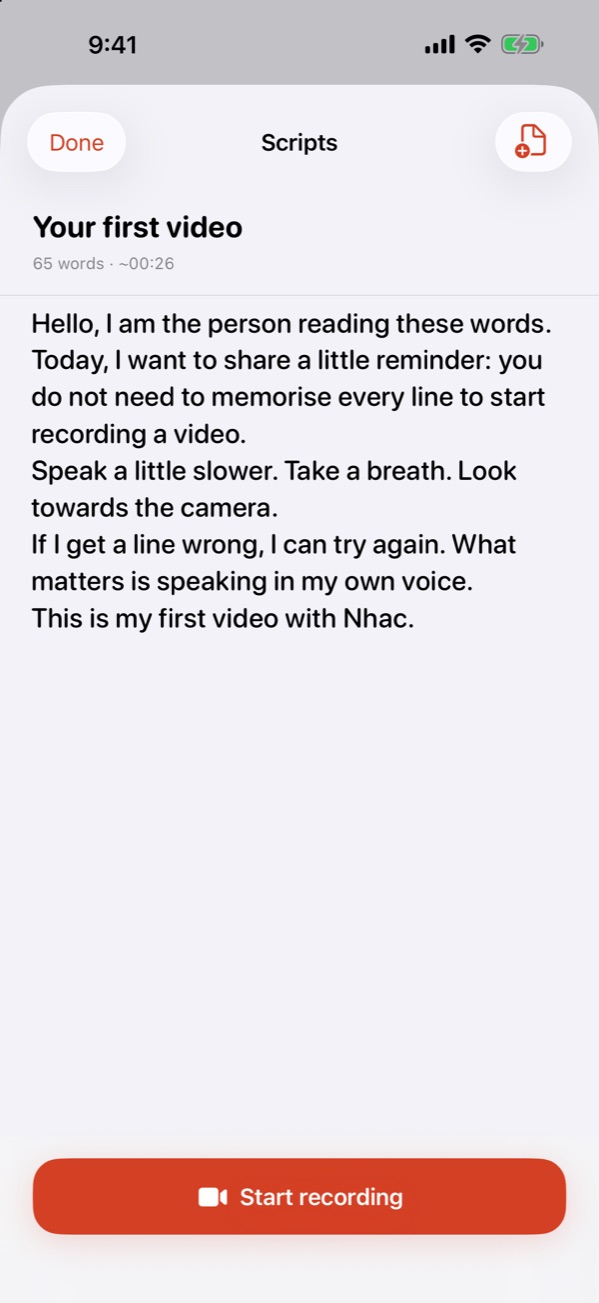
Paste or write a script
Copy a script from Notes, ChatGPT or a message and tap Paste. Or write a new one, or try the sample script.
Make it comfortable
Set text size and speed, drag the divider to balance text and camera. Portrait or landscape.
Tap record and talk
The first line holds for 2 seconds so you can settle in, then scrolls smoothly. Stumble? Discard the last segment and record it again; the script jumps back.
Simple, complete, beautiful
One job: help you talk to the camera naturally.
Easy to read
Large text with evenly spaced lines. Adjust text size, speed and how long the first line holds (0–5 s).
Record in segments
Stumbled? Discard the last segment and record it again; the script rewinds to the right line. Segments are merged into one video.
Portrait or landscape
Drag the divider to choose how much room goes to text and to the camera. Nhac remembers your layout.
Natural smooth skin
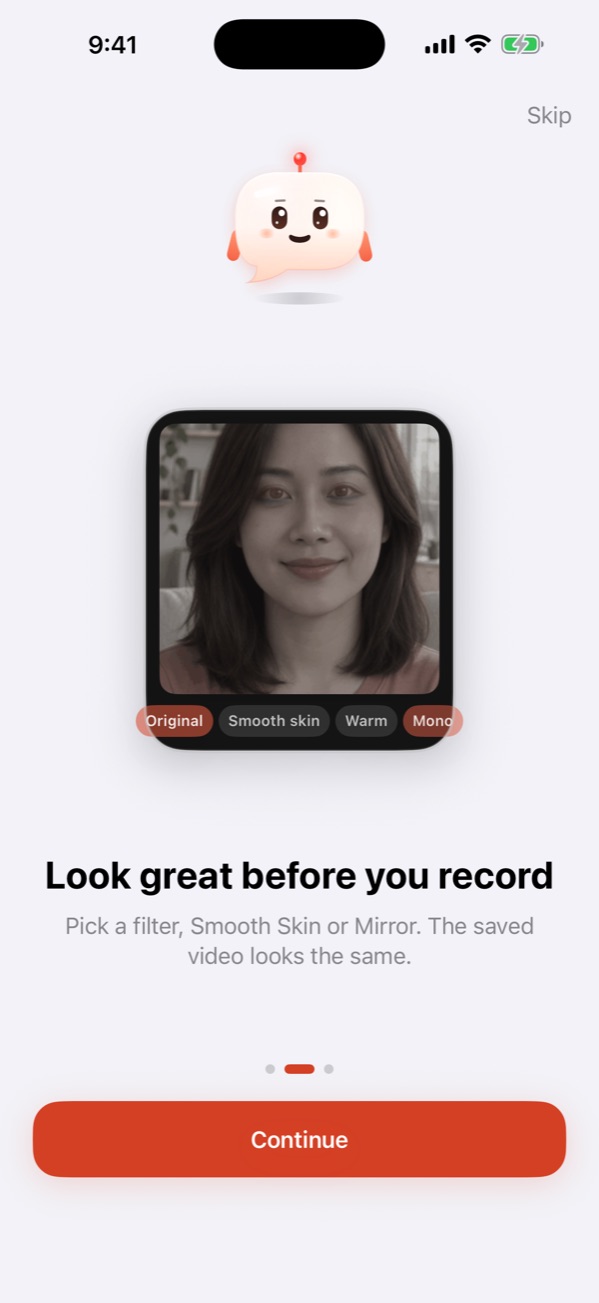
Live filter preview before you record: Smooth skin, Natural, Warm, Cool, Mono. The saved video matches what you saw.
Mirror Camera
The front camera shows you like a mirror, and the saved video keeps exactly what you saw.
Private
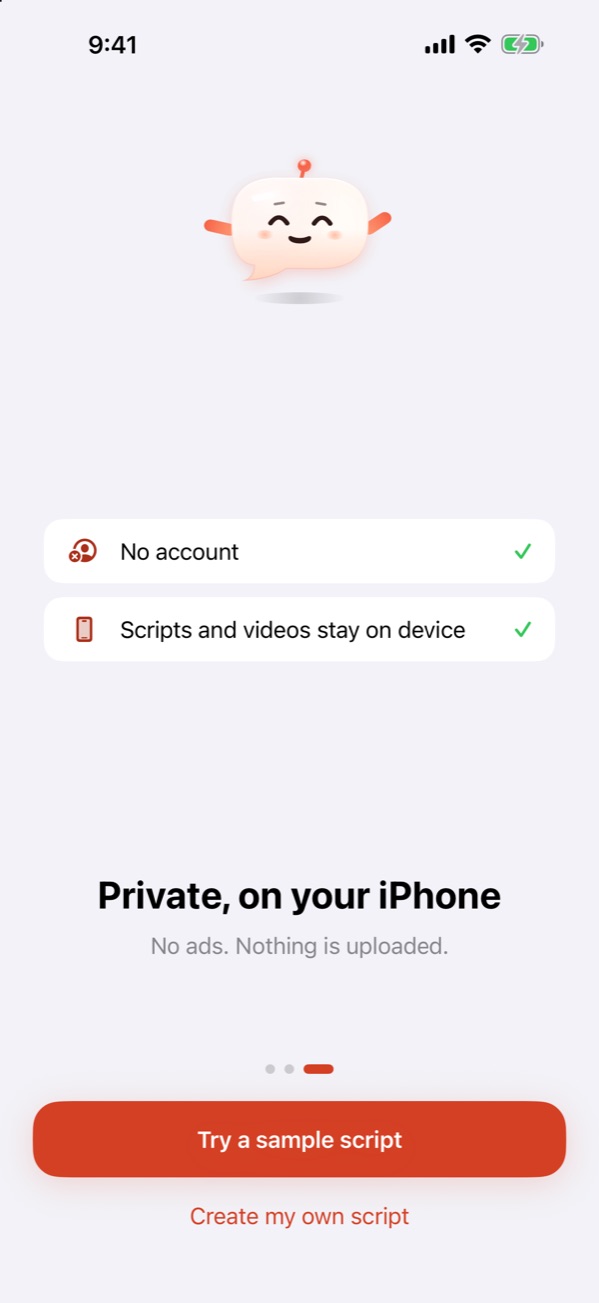
No account, no ads, no tracking. Scripts and videos stay on your iPhone.
Free to use, buy Pro once
No subscription.
Free
- Unlimited practice and recording
- First 5 videos saved or shared for free
- All filters, including Smooth skin
- Portrait and landscape
Nhac Pro Lifetime
- Unlimited saving and sharing
- Every current Nhac feature
- Free restore on another iPhone with the same Apple Account
Frequently asked questions
Do I need an account?
No. Open the app and start.
Are my videos uploaded anywhere?
No. Nhac records, applies filters and merges videos on your iPhone. Nhac has no servers and collects no data. A video only leaves your phone when you tap Save to Photos or Share.
Will I look at the lens?
The text sits in the part of the screen closest to the front camera, so your eyes stay near the lens while you read. With moderate text size and a slow speed, viewers can barely tell.
Does Smooth skin look fake?
Smooth skin only smooths skin and keeps eyes, brows, lips and hair sharp, with a touch of brightness and warmth. Turn it off or pick another filter anytime.
What about Nhac Pro on a new iPhone?
Nhac Pro is a one-time purchase. On a new iPhone, go to Nhac › Settings › Restore purchases with the same Apple Account.